


For councils in England and Wales
Committee meetings, papers and decisions
Siambr runs a council’s meetings from the first draft of the agenda to the published decision. Residents follow the business on the council’s own public site, in Welsh as well as English.
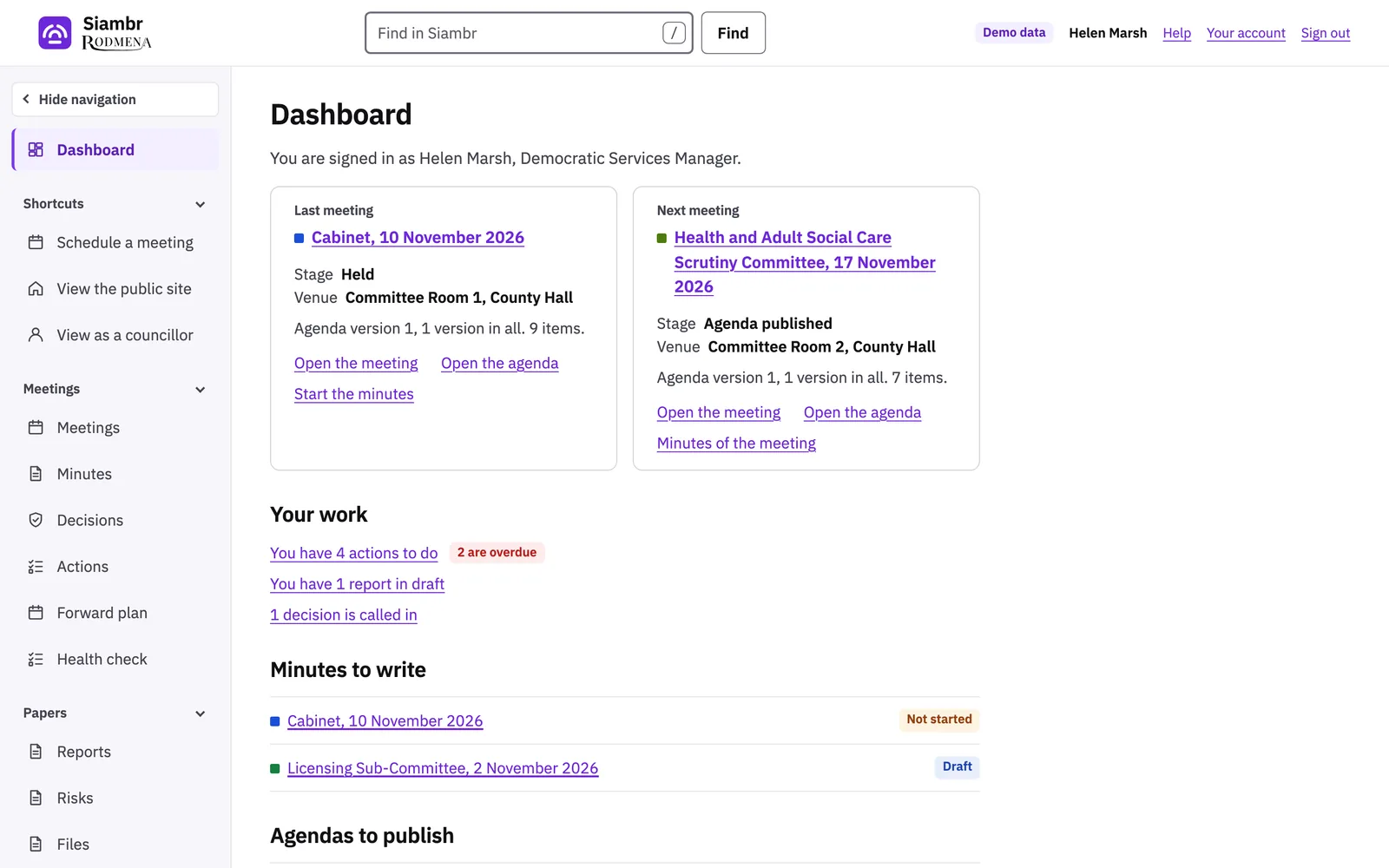
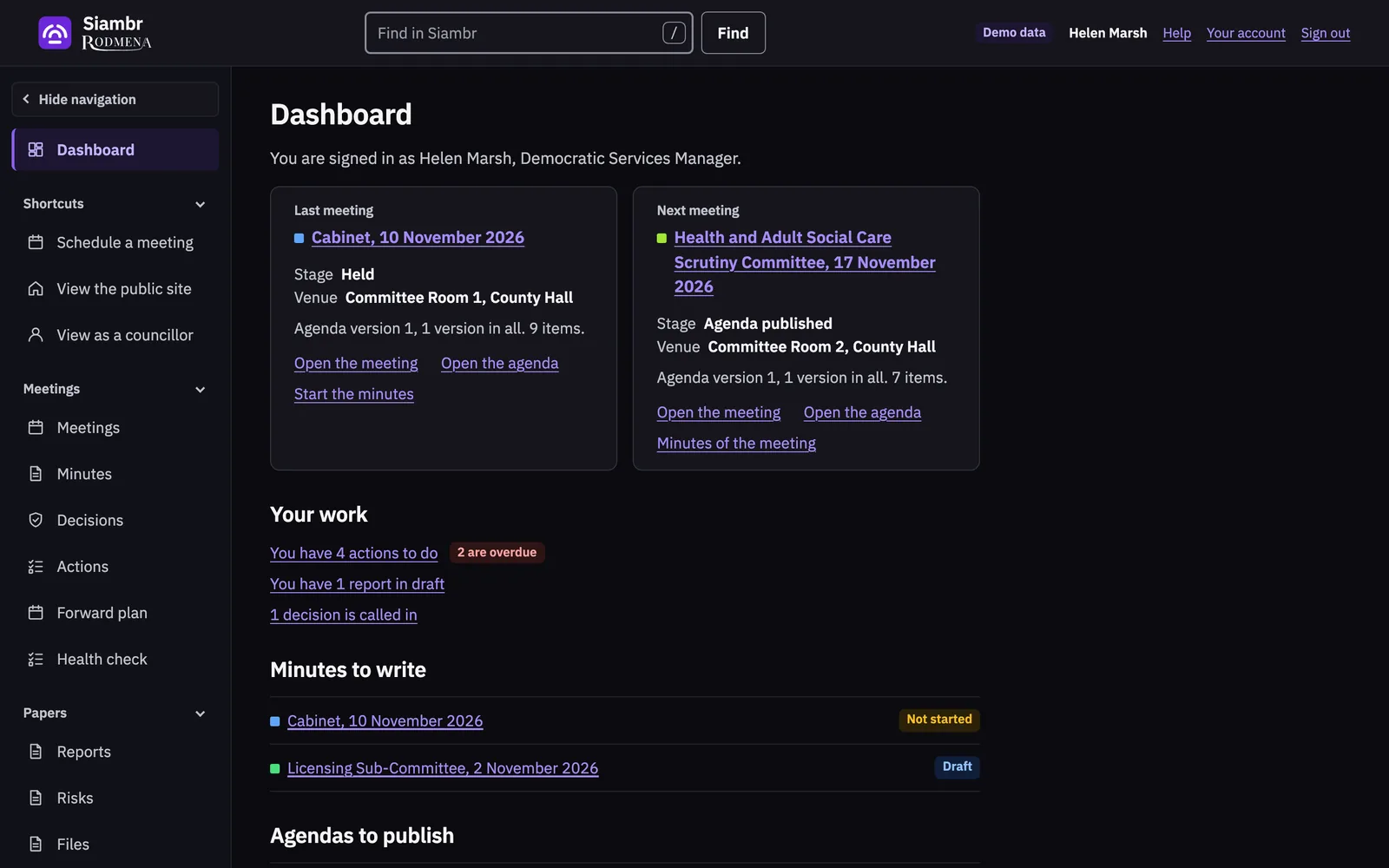
From agenda to decision
A meeting, stage by stage
-
Agenda
An officer builds the agenda from standard items, planning applications and earlier agendas. The meeting shows the date its agenda must be published by.
-
Reports
Authors write their reports against the meeting and send them for approval. Only the current approver can approve a report or return it, and only an approved report is published.
-
Publication
Publishing issues the agenda pack as one PDF, in an open version and a restricted one. Late items go out in a numbered supplementary pack.
-
The meeting
The officer records who attended, in the room or by a link, and whether the meeting was quorate. Members present vote from their own devices.
-
Minutes
The minutes start from the council’s own template and are written item by item beside the agenda. Siambr produces them as a PDF and as a copy for signing.
-
Decisions
Each decision goes into the register with its notice. The register handles call-in and follows the decision until it is implemented.
Examples
The situations Siambr is built for
A report is still with its approver when the agenda goes out
Siambr will not publish a report that has not been approved. Once it is, it goes out with any other late items in a numbered supplementary pack.
A report holds exempt information
The author marks it restricted and names the category of exempt information. It goes only into the restricted pack, and the audit trail records each time someone opens it.
A councillor reads the papers on the train
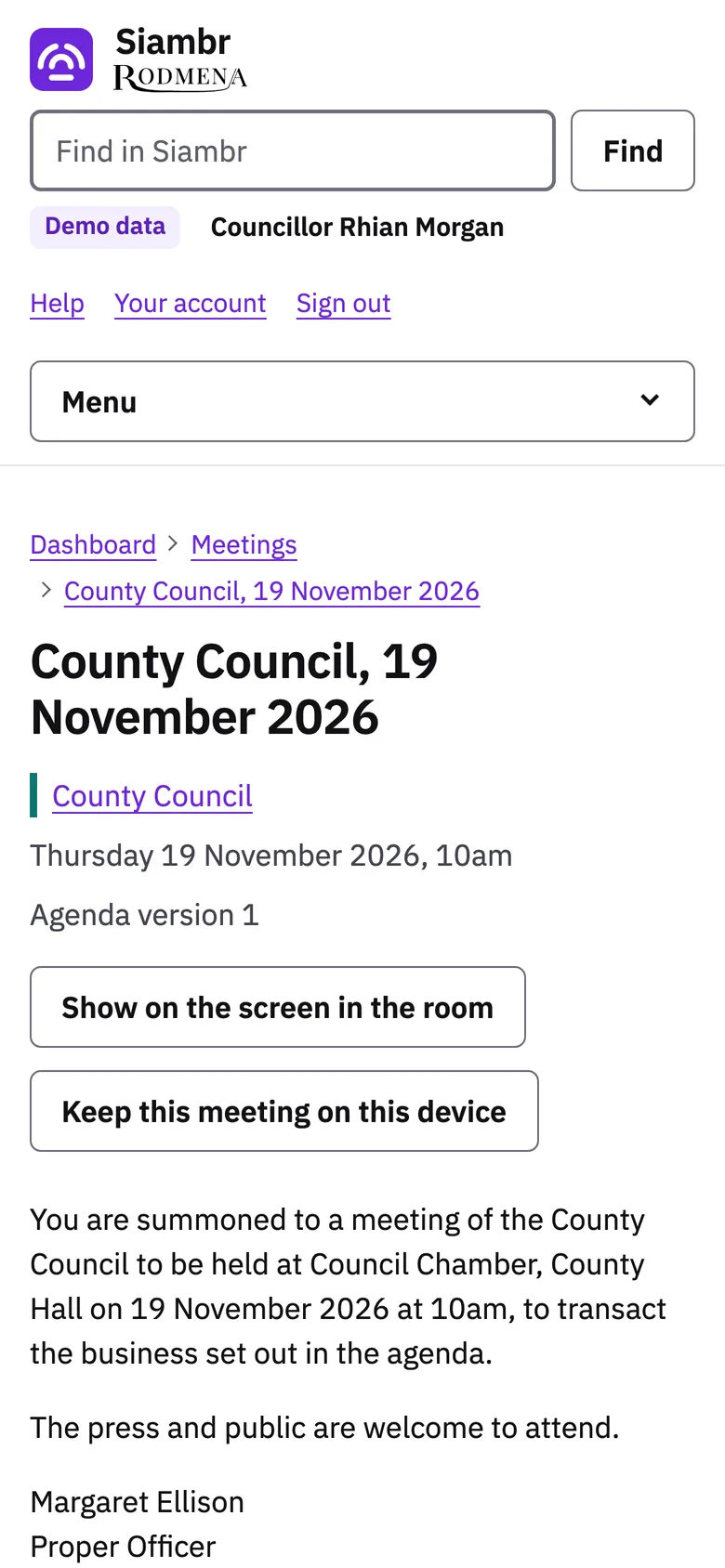
They keep the meeting on their tablet before they leave and read it with no signal. The notes and highlights they add are theirs alone.
A resident asks for the agenda in Welsh
The public site, the papers the council has written in Welsh and the alerts email reach them in Welsh. Where a council has not translated something yet, Siambr marks the English as English.
Agendas
An agenda built from what the council already has
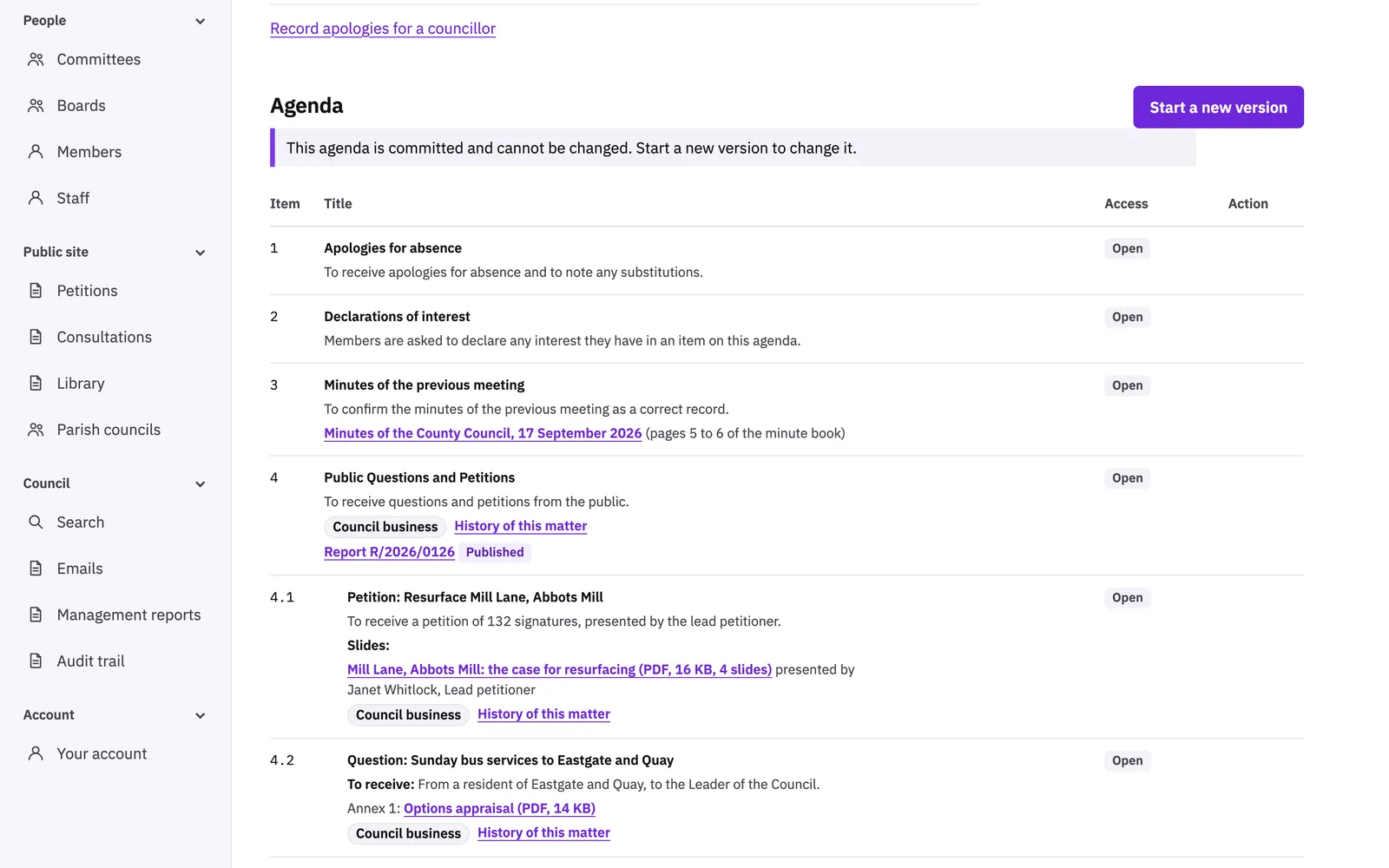
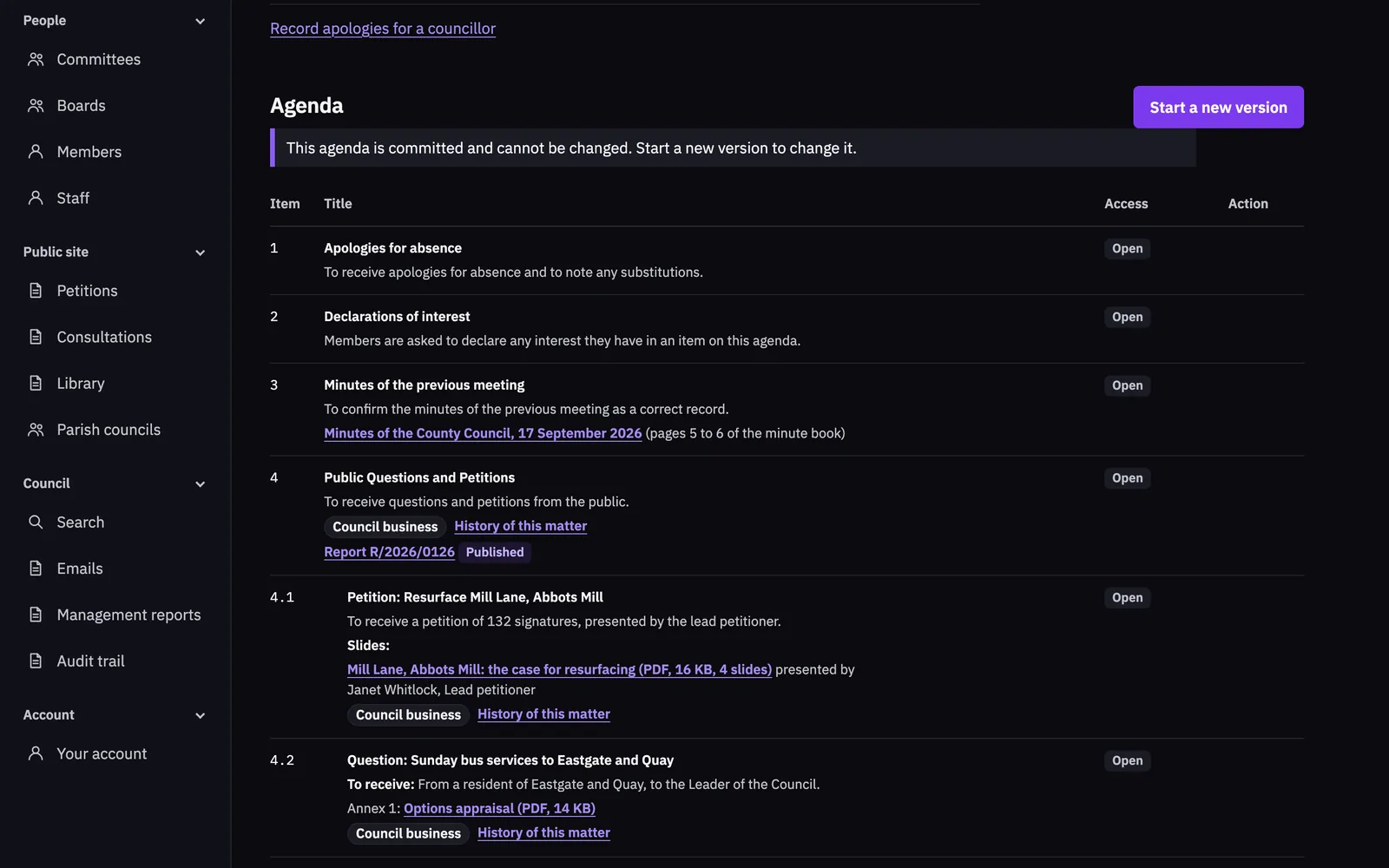
Officers add items and sub-items, bring in standard items and planning applications, copy an earlier agenda and attach the papers. When the agenda is published, Siambr numbers the papers as annexes and builds the pack.
A change after publication makes a new version of the agenda, numbered 1.1 or 2, and the list of versions shows when each was made and which one is live.
Councillors
The papers on a councillor’s own device
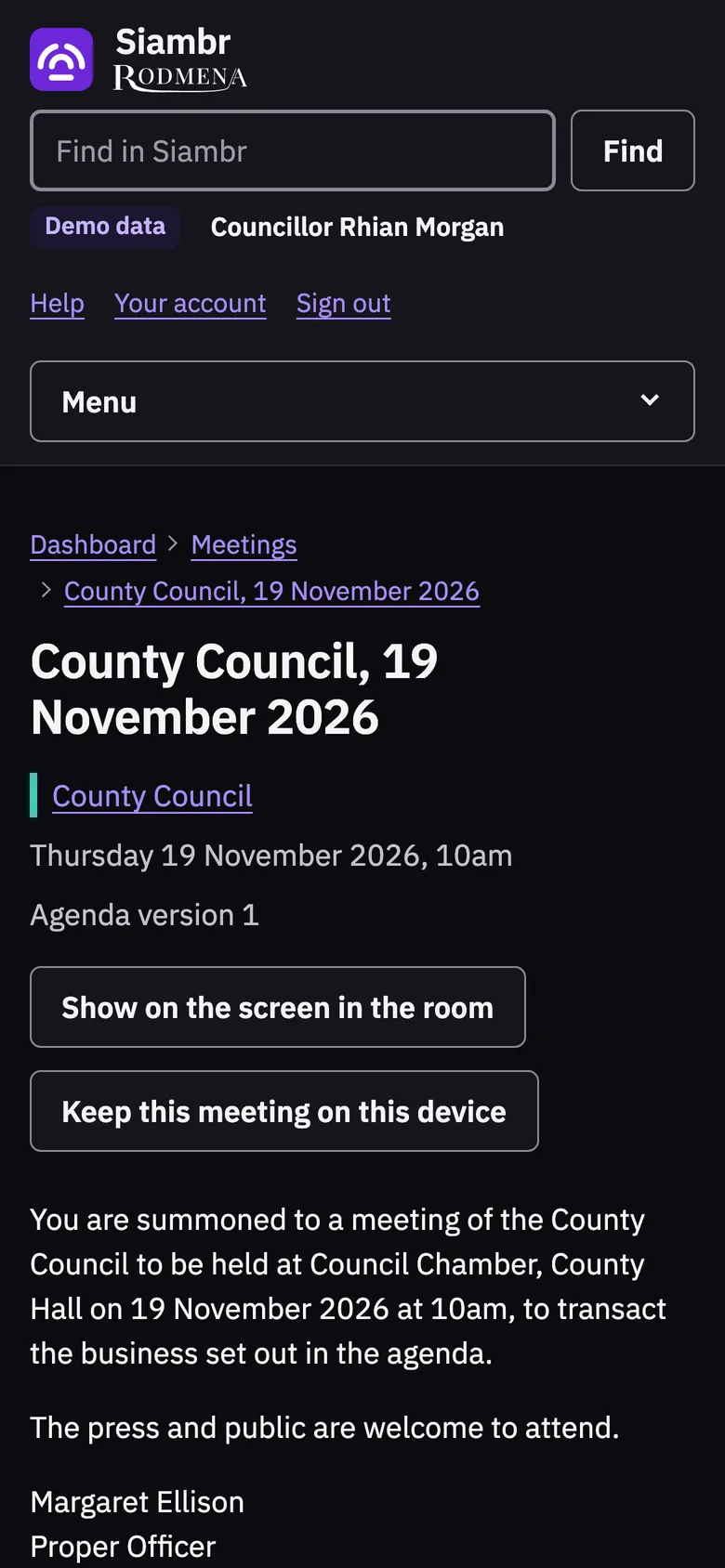
Councillors read their papers, keep private notes and highlights on any item and send their apologies. Siambr can be installed as an app, and a meeting kept on a phone or tablet opens without a connection.
Each councillor keeps their register of interests, gifts and hospitality up to date on their own page.
Minutes
Minutes written beside the agenda
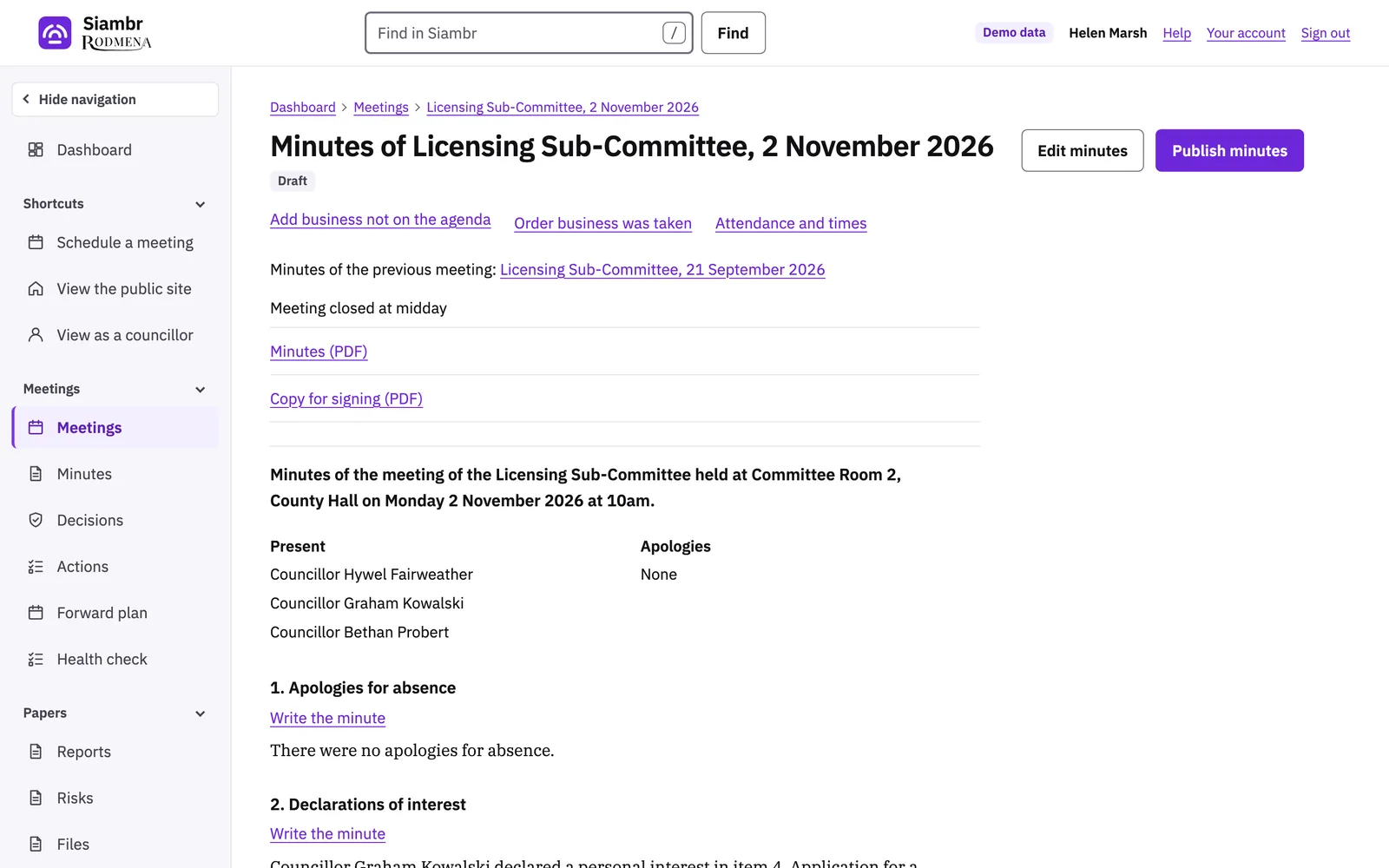
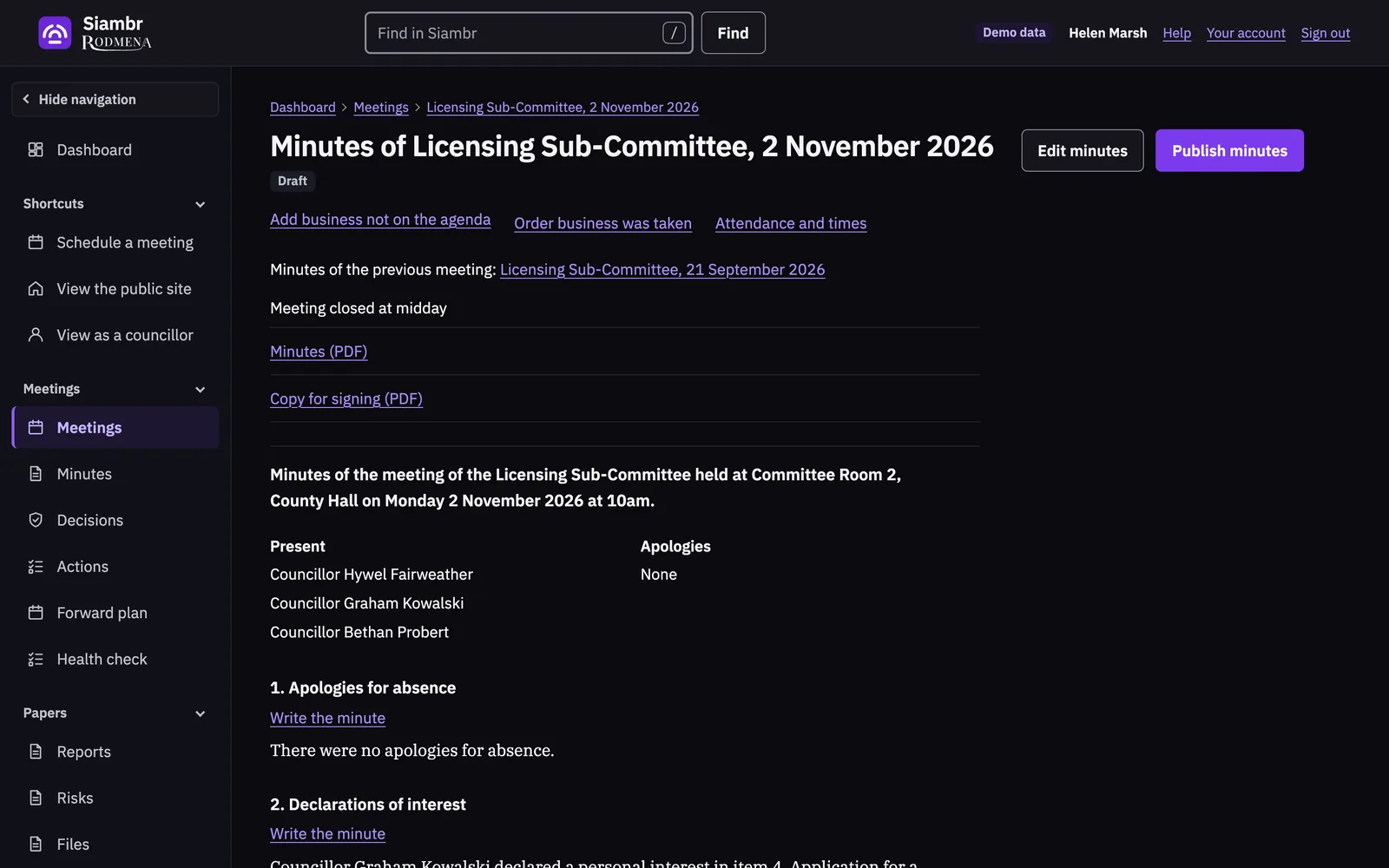
Officers write each minute next to what the agenda said, and record attendance and times in the same draft. Siambr numbers the minutes and the resolutions in the council’s own style.
Approved minutes are published as a PDF, and the council keeps a copy for signing.
Public site
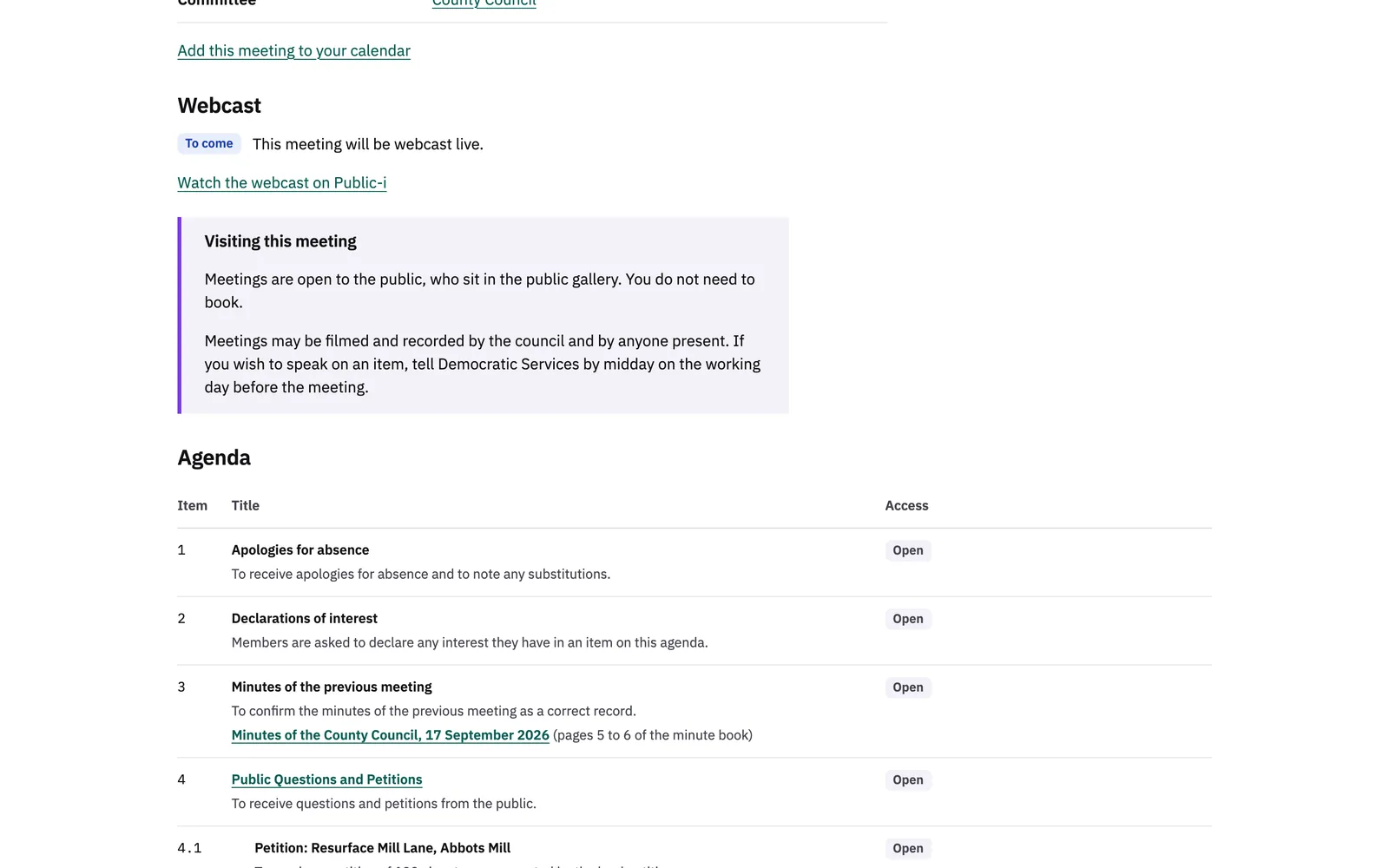
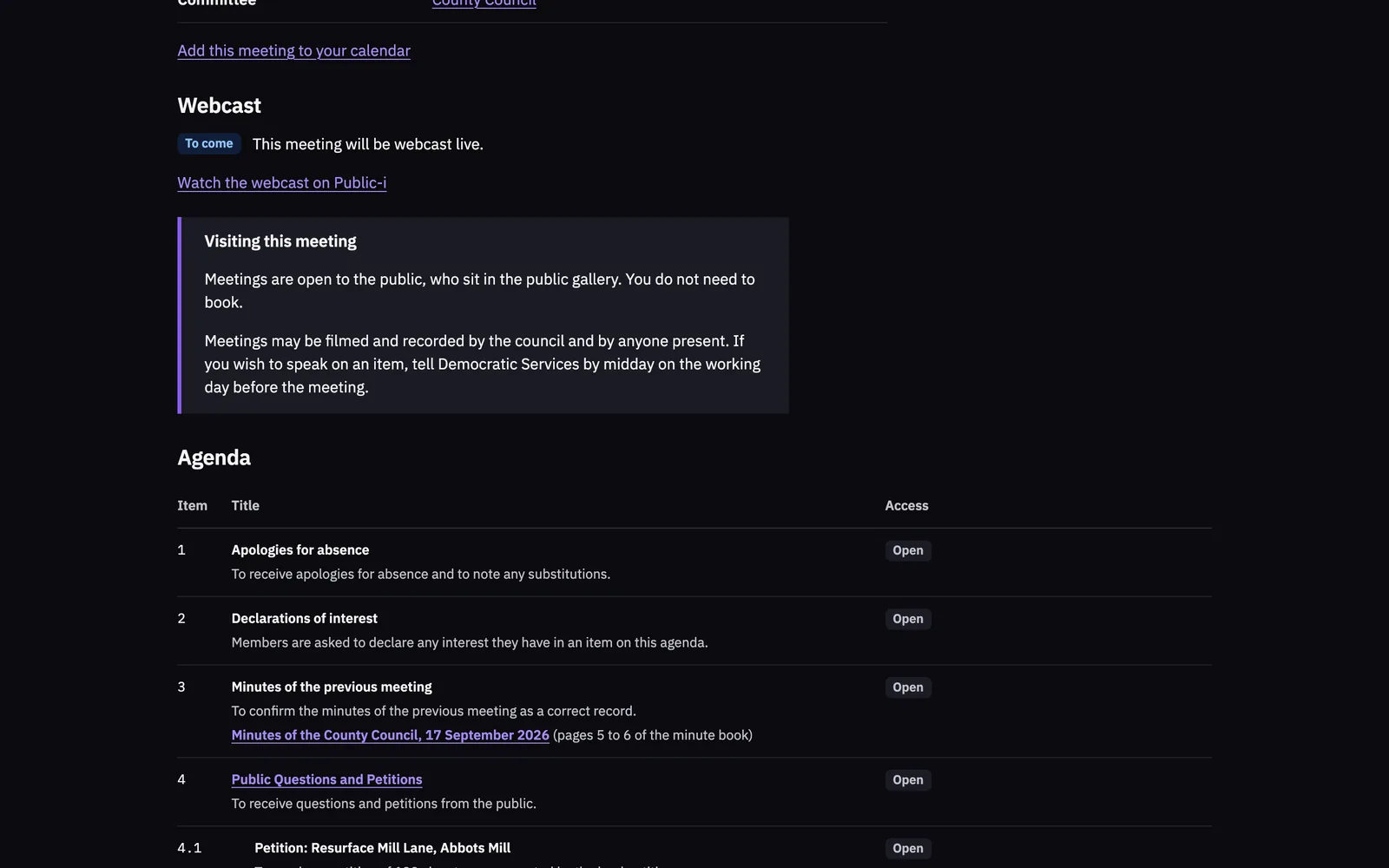
A public site in the council’s own colours
Residents find meetings, read the papers, follow decisions and the forward plan, sign petitions and answer consultations, all without an account. They can ask to be emailed when a committee publishes an agenda, and add a meeting to their own calendar.
The council’s own website can show the meetings to come and the councillors from Siambr’s feed.
Cymraeg
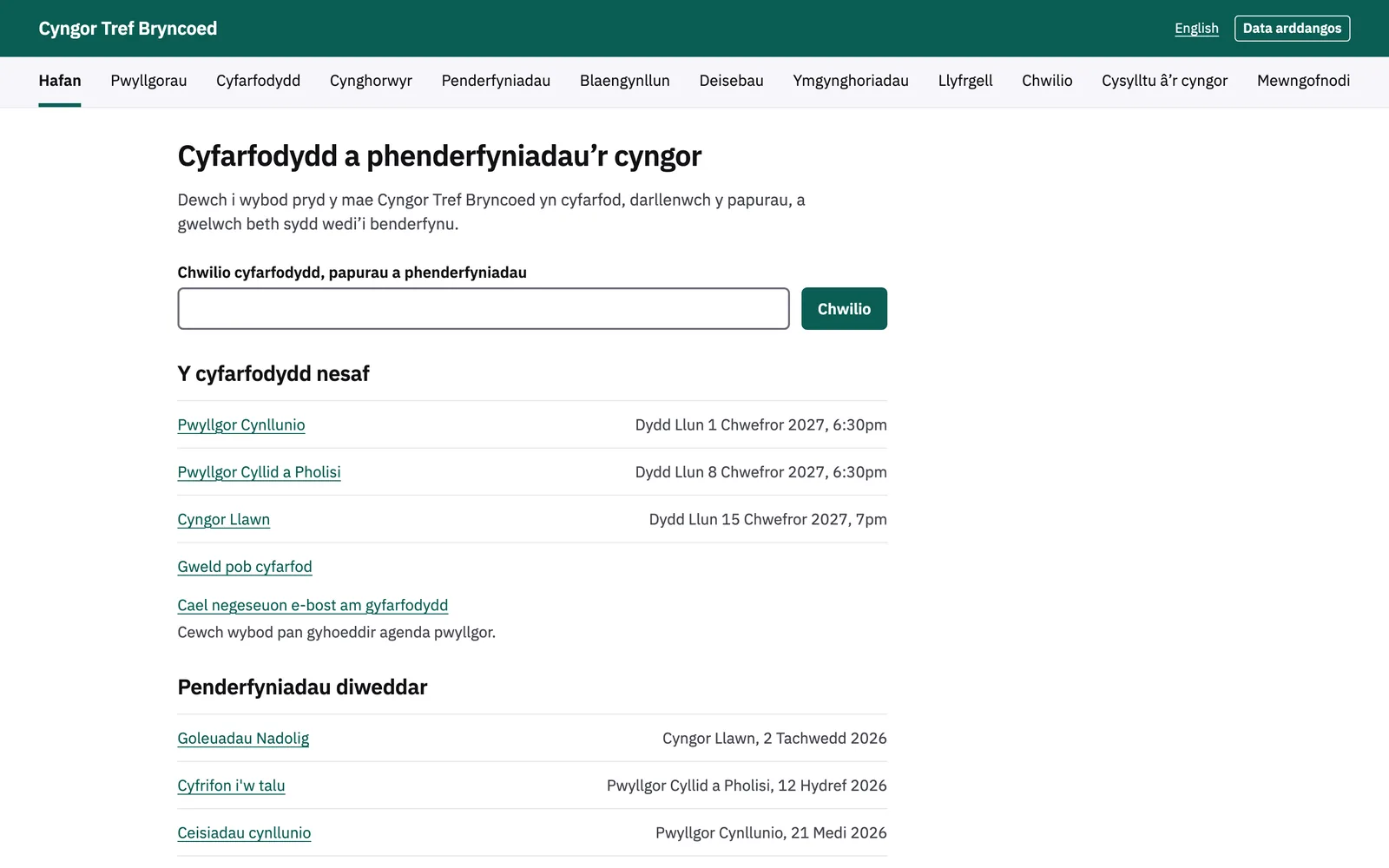
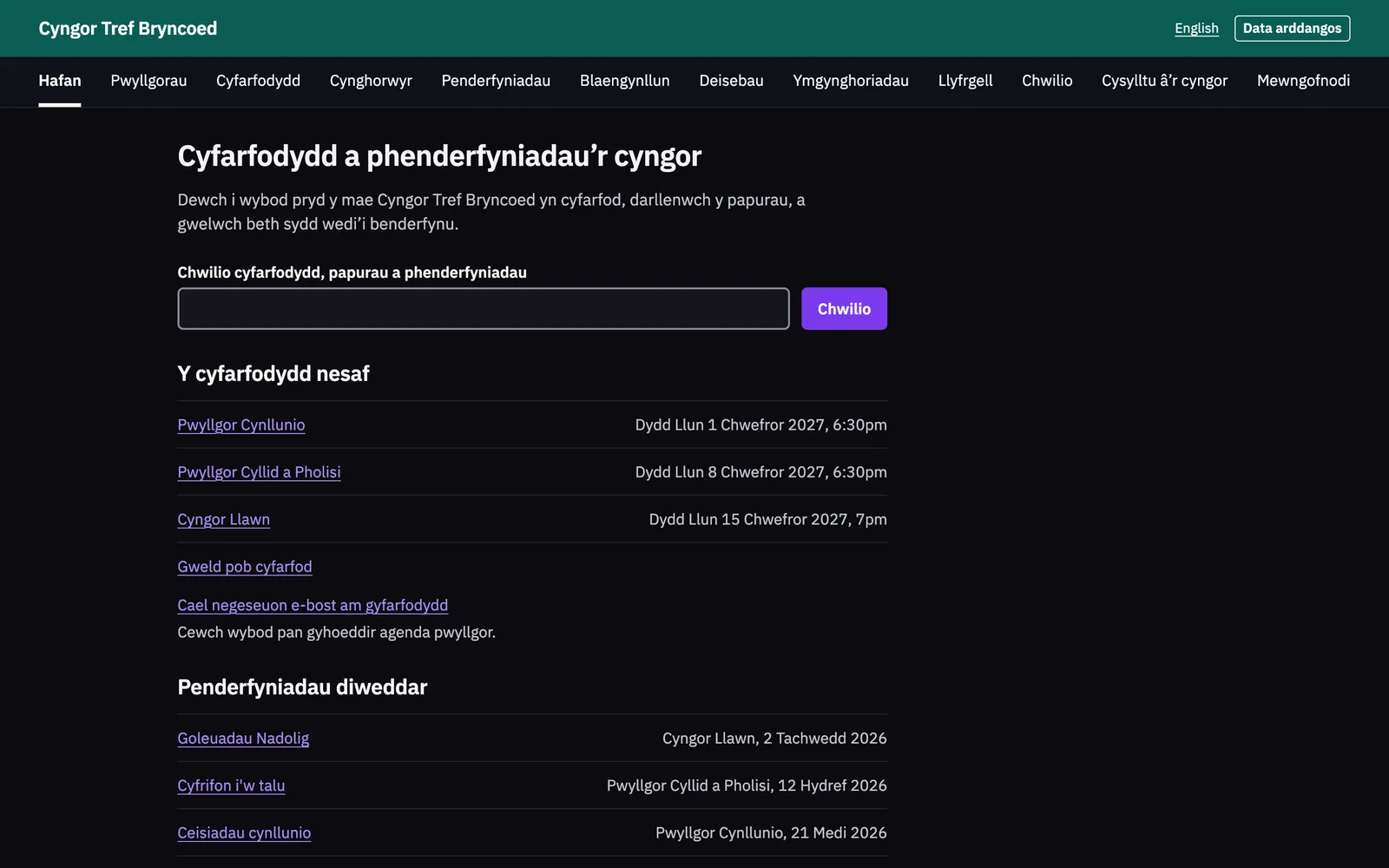
Welsh and English, on every screen
The interface, its messages, the emails and the documents Siambr writes are all in both languages. Where a council writes in Welsh, each field of content has a Welsh field beside it, and Siambr writes to each person in the language they chose.
Dates, job titles and the proper officer’s title appear in Welsh on Welsh documents.
The feature set
What Democratic Services use
Each area below is a page of the features list. The counts are of Siambr’s written requirements, each of which has a test that runs on every change.
- Meetings and agendas 161 requirements
- Reports and approval 15 requirements
- Minutes 19 requirements
- Decisions and actions 31 requirements
- Councillors and their records 36 requirements
- Reading the papers 29 requirements
- The meeting room 14 requirements
- The public site 31 requirements
- Welsh and English 31 requirements
- Boards 24 requirements
- Administration 160 requirements
- Moving from Modern.Gov 7 requirements
Records
Records an auditor can follow
- The audit trail
- Siambr records who did what and when. The audit trail exports as CSV.
- Restricted papers
- Each time someone opens a restricted pack or annex, the audit trail records who it was, when, and which paper. The meeting shows the list.
- Report approval
- Only the current approver can decide on a report. Its history keeps each approval and each return with its comment.
- Retention
- Meeting papers stay open to inspection for six years under section 100C of the Local Government Act 1972, and are then archived.
Questions
Common questions
Who is Siambr for?
Democratic Services teams, report authors, monitoring officers and councillors. It is built for English and Welsh councils of any kind: principal councils, parish, town and community councils, combined authorities and boards.
Does Siambr work in Welsh?
Yes. The whole interface, its emails and its documents are in Welsh and English. A council chooses whether it writes in Welsh and which language a visitor sees first.
Can we bring our records from Modern.Gov?
Yes. Committees, councillors and meetings come across from Modern.Gov’s files after a check that changes nothing, and old Modern.Gov web addresses lead to the same pages in Siambr.
How do officers and councillors sign in?
With a password, and where the council requires it, a code from an authenticator app. A council can also use single sign-on with Microsoft work accounts and turn password sign-in off for its own email domains.
Do residents need an account?
No. Residents read the public site without one, and sign up for email alerts by committee without a password.
Can Siambr show our webcasts?
Siambr holds the webcast of each meeting from Public-i, shows it on the meeting’s page and marks where each item begins.
Is Siambr accessible?
Siambr aims to meet WCAG 2.2 at level AA. Its pages are checked against the level A and AA rules with axe on every change, in the light and the dark theme. It has not yet been audited by an independent assessor, and its accessibility statement lists what does not meet the standard yet.
See Siambr with a meeting of your own
We take a meeting from the first draft of its agenda to the published decision and answer your team’s questions on the way. Write to us to arrange a time.